Equipment, Services & Manuals
What Equipment and Services Do We Offer at the HTFL MakerSpace?
Click the image links or come to the MakerSpace to access tutorials or manuals.
Want to know more? Or do you need assistance with an idea or project? Schedule a training by emailing us at makerspace@haverfordlibrary.org to be connected with one of our staff for a one-on-one learning session.
Training sessions or equipment use cannot be scheduled during MakerSpace programs.
Equipment
Check out all of our equipment below (Some equipment is limited to specific age groups or requires training before use). Click images to view user manuals.

What kinds of things can you 3D print?
Anything that you can design, from toys to tools and everything in between!
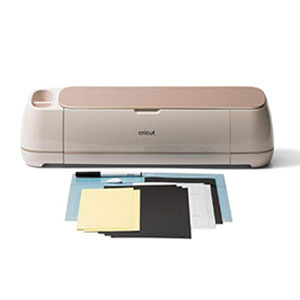
What can you make with a Cricut Maker?
Decal shirts, vinyl water-bottles or pots, 3D cards, and even flowers!
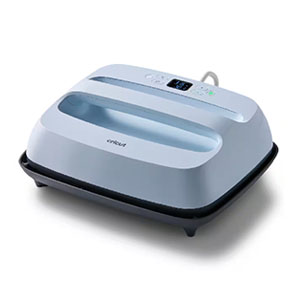
What can you make with a Cricut Easypress?
How better to iron on hat decals, T-shirt patterns, or images on a tote?
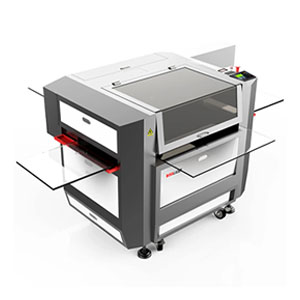
Want to cut or engrave leather, wood or acrylic?
The Boss 1630 CO2 Lasercutter is the perfect tool!

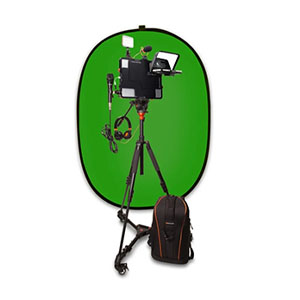

Coding Tools & Resources
What Else Can You Do in the MakerSpace? You can learn how to code with these tools and programs:
Click the image links or come to the MakerSpace to access coding resources.

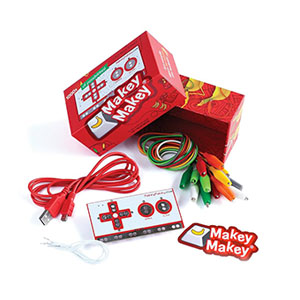
Computer Programs & Resources
We also offer access to the following programs and resources, available on our MakerSpace computers:
Click the image links or come to the MakerSpace for program tutorials or resource information.
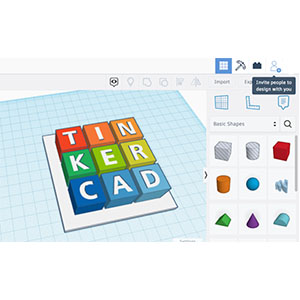
3D DESIGN:
Tinkercad allows users to create 3D models by combining basic shapes, making it suitable for everything from simple prototypes to more complex designs. It’s a great way to learn the fundamentals of solid modeling.
ELECTRONICS:
The Circuits section enables users to simulate and experiment with virtual circuits before building them in real life. It includes a library of components and features like Arduino and Micro:bit simulation.
CODEBLOCKS:
This feature allows users to program 3D designs using a block-based visual programming language, making it accessible for those new to coding.

Lightburn Pro is layout, editing, and control software for your laser cutter.
With LightBurn you can:
Import artwork in a variety of common vector graphic and image formats.
Arrange, edit, and even create new vector shapes within LightBurn’s powerful editor.
Apply settings like power, speed, number of passes, cut order, brightness & contrast, dithering mode, and many more!


It has many capabilities. It can be used as a simple paint program, an expert quality photo retouching program, an online batch processing system, a mass production image renderer, an image format converter, etc. It can be used to design artwork for the lasercutter or the Cricut, as well as a provide you with a way to create amazing digital art.
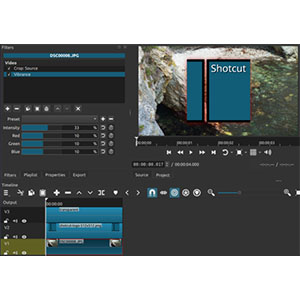
Shotcut is a free, open source, cross-platform video editor.
Wide Format Support
Supports hundreds of audio and video formats and codecs thanks to FFmpeg. No import required which means native editing, plus multi-format timelines, resolutions and frame-rates within a project. Frame accurate seeking supported for many video formats.
Device and Transport Options
Blackmagic Design SDI and HDMI for input and preview monitoring. Screen, webcam and audio capture. Network stream playback. Supports resolutions up to 4k and capture from SDI, HDMI, webcam, JACK & Pulse audio, IP stream, X11 screen and Windows DirectShow devices.
Sleek, Intuitive Interface
Multiple dockable and undockable panels, including detailed media properties, recent files with search, playlist with thumbnail view, filter panel, history view, encoding panel, jobs queue, and melted server and playlist. Also supports drag-n-drop of assets from file manager.
